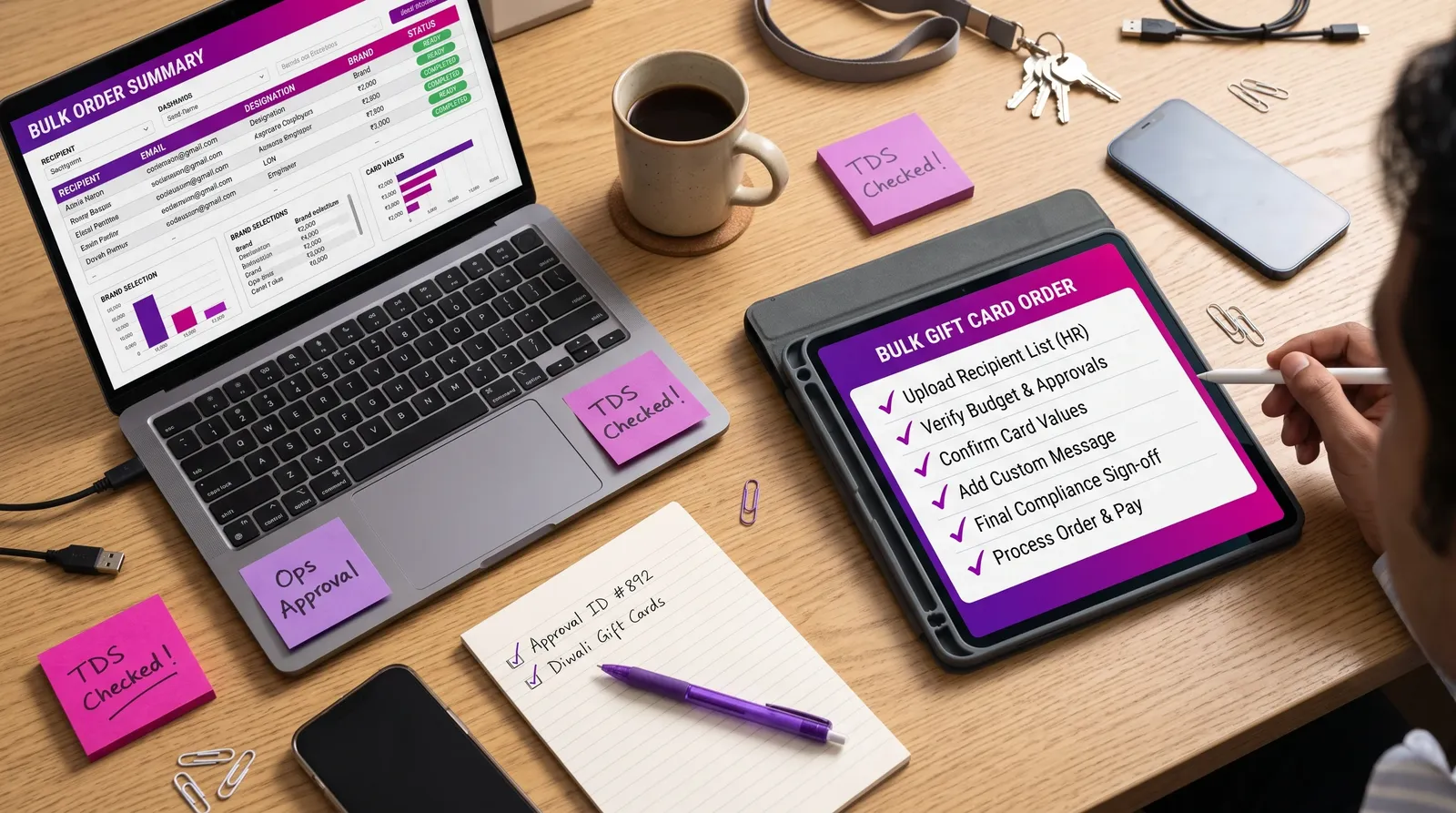
Managing Gift Card Distribution at Scale: A Practical Operations Guide
How HR and operations teams distribute thousands of gift cards accurately — data preparation, delivery models, communication, support desks and reconciliation.
Ordering 5,000 gift cards is the easy part. Getting the right card to the right person, on the right day, with the right instructions — and handling the inevitable questions — is where programs succeed or struggle.
Step 1: Prepare clean data
| Field | Why it matters |
|---|---|
| Employee ID | Unique reference for reconciliation |
| Name | Personalisation |
| Delivery | |
| Location | Brand relevance and support |
| Recipient group | Correct brand and value |
Checks:
- Remove duplicates and exits
- Validate email formats
- Confirm joiners before the delivery date
- Get sign-off from HR business partners
Step 2: Choose a delivery model
Model A: Direct-to-recipient
The vendor delivers codes directly to each recipient's email.
Pros: minimal internal handling, better security, faster. Cons: requires accurate emails and recipient data sharing.
Model B: Bulk codes to the company
The company receives codes and distributes them internally.
Pros: control over timing and messaging. Cons: more handling, higher security risk, more effort.
Model C: Hybrid
Direct delivery for most employees, bulk codes for special groups (for example, frontline staff without email).
Diagram of gift card delivery models
Step 3: Communicate clearly
Before delivery:
- Announce the gift and delivery date
- Explain what the email will look like (to avoid it being mistaken for spam)
- Share a redemption FAQ
At delivery:
- Leadership message
- Support contact
Step 4: Staff a support channel
Common questions:
- "I didn't receive my code"
- "My code isn't working"
- "Which stores accept this?"
- "Can I change the brand?"
Prepare templated answers and an escalation path to your vendor.
Step 5: Handle exceptions
| Exception | Action |
|---|---|
| Bounced email | Correct email, request re-send |
| Employee exited before delivery | Follow policy on cancellation or reallocation |
| Code invalid | Escalate to vendor with details |
| Wrong group assigned | Correct and reissue per policy |
Step 6: Reconcile
- Codes ordered vs delivered
- Failed deliveries resolved
- Unused or unallocated codes secured
- Summary shared with finance
Frontline and non-email employees
Plan alternative delivery — supervisor-led distribution, printed instructions in local languages, or mobile-based delivery where appropriate.
Timelines
For large programs, schedule delivery on a weekday morning so support teams are available, and avoid last-minute delivery on the festival day itself.
Sample support macros
Not received:
"Thanks for reaching out. Your gift was sent to [email] on [date]. Please check your spam and promotions folders. If you still can't find it, reply with your employee ID and we'll check the delivery status."
Code not working:
"Sorry for the trouble. Please share the brand name, the last four digits of the code and a screenshot of the error. We'll escalate to our gifting partner and update you within one business day."
Which stores accept it?
"Redemption details, including participating stores and online use, are included in your gift email. You can also find the brand's terms at [link]."
Delivery day run-of-show
| Time | Activity |
|---|---|
| 9:00 am | Confirm vendor delivery initiation |
| 9:30 am | Leadership message published |
| 10:00 am | Support inbox monitoring begins |
| 1:00 pm | Midday check on bounced emails |
| 5:00 pm | Day-one summary: delivered, pending, issues |
| Next day | Resolve outstanding tickets |
Metrics to track
- Delivery success rate
- Bounce rate and correction time
- Support tickets per 1,000 recipients
- Average resolution time
Key takeaways
Clean data, the right delivery model, proactive communication, prepared support and disciplined reconciliation turn large-scale distribution into a smooth operation.
Orbit supports scheduled bulk delivery for large programs — contact sales to plan your distribution model.
Frequently asked questions
What causes most gift card delivery issues?
Incorrect or outdated email addresses and emails landing in spam folders.
Should we send gift cards to personal or work emails?
Follow your data policy and employee preferences; work emails are common for active employees.
How do we distribute gift cards to employees without email?
Use supervisor-led distribution, printed instructions or other approved channels such as SMS.
Orbit Insights Team
The Orbit by SaverPe insights team works with HR, procurement and sales leaders to research what makes corporate gifting and reward programs effective.
How we research and fact-check